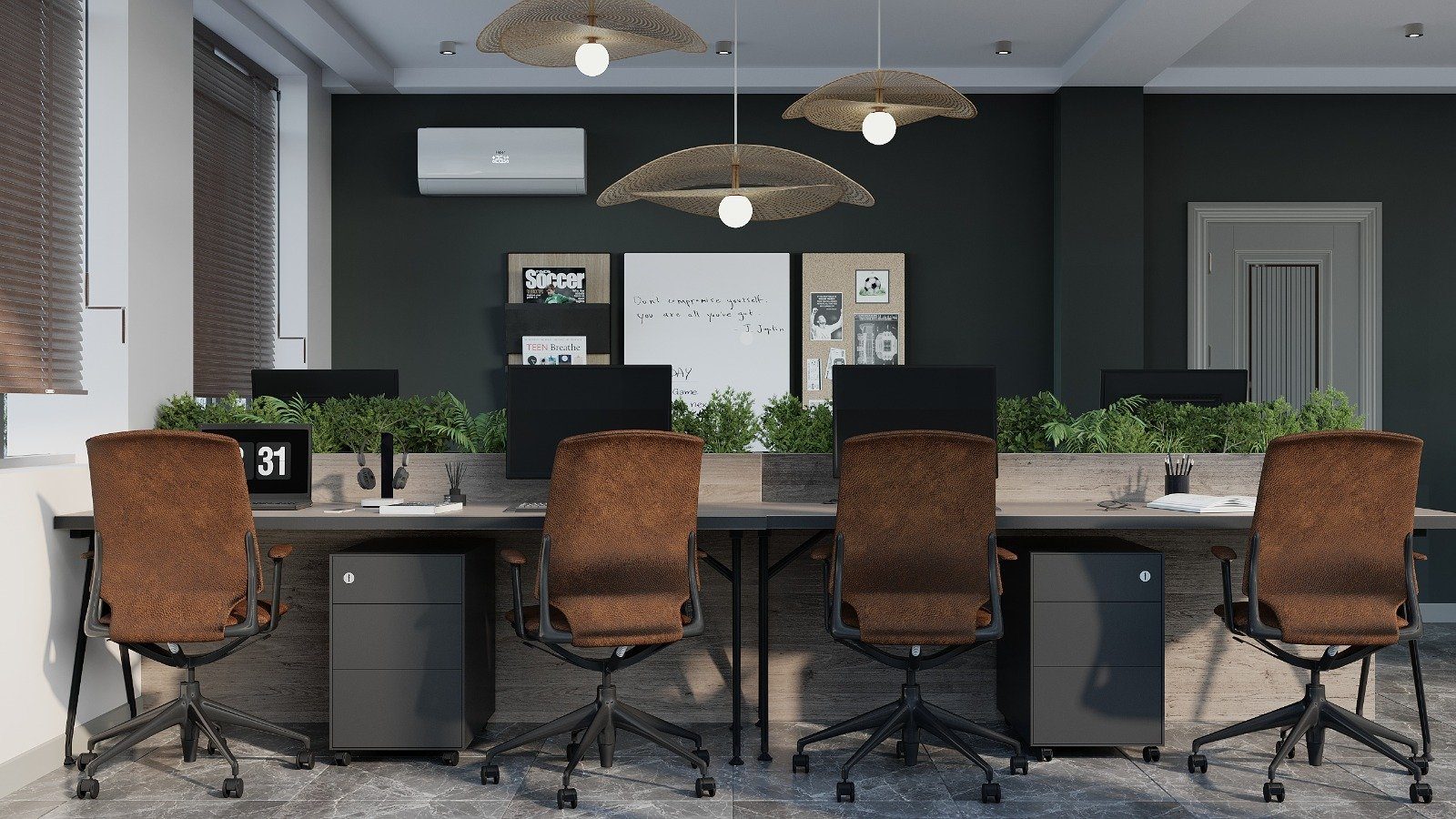

A modern workstation connects several devices to one desk: monitors, a laptop charger, a phone charger, a lamp, sometimes a printer or speakers. Without planning, all those cables drop over the back edge, tangle around feet, leave an extension lead lying on the floor and gather dust. Cable management is not just about looks: it makes cleaning easier, prevents equipment from being pulled off the desk and supports electrical safety.
The cable’s route: from desktop to floor
Every cable travels a route in three parts, and each part needs its own solution:
- On the desk: from the device to the entry point in the desktop.
- Under the desk: from the entry point to a tray running along the back or centre of the desk.
- Desk to floor: from the tray to the wall or floor socket.
In a good design the three are considered together. A grommet is placed near the back edge, the tray runs along the same line underneath, and the vertical route comes down through the leg nearest to the socket.
Grommets and desktop openings
A cable grommet is a hole in the desktop fitted with a frame and a cover. Round grommets are simple and compact; rectangular versions with a flap carry more cables and leave a clean surface when closed. The grommet’s position should follow where the monitor and laptop will sit, so that cables take the shortest possible path across the desk.
Another option is a long slot along the back edge of the desktop. It suits long desks shared by several people, because devices can move without new holes being drilled. The edges of holes and slots must be finished with a cover or profile; otherwise the exposed cut edge of a board absorbs moisture and rubs away cable insulation.
Under-desk trays and baskets
A metal or plastic tray fixed under the desk near the back edge holds the extension lead, power adapters and spare cable length. An open basket is easy to reach into; a covered tray looks tidier. The key rule is that the tray must not hit the knees of the person sitting or reduce the depth of the legroom.
Power adapters get warm, so they should not be squeezed into a fully enclosed box; leave part of the tray open for airflow. It is also worth fixing the extension lead to the tray with screws or a clip so it does not slide when a plug is pulled out.
Desk to floor: the vertical route
The bundle of cables hanging loose between desk and floor is usually the most annoying part. Solutions include routing through a hollow metal desk leg, a flexible vertebra-style cable spine between desk and floor, or a concealed channel inside the side panel of panel-leg desks. In open-plan offices, where desks stand in the middle of the room, connecting to a floor box gives the cleanest result, but this has to be planned during the fit-out works.
Power modules built into the desk
Bringing sockets onto the desk itself makes daily life easier: no crawling under the desk to charge a laptop or phone. The options include:
- pop-up modules that rise out of the desktop;
- flush socket panels with a lid;
- clamp-on modules fixed to the edge of the desk.
Besides standard sockets, a module can include USB ports and network connections. For any electrical component set into the desktop, consider that drinks may be spilled on the desk, so lidded models are safer. Always check the quality certification and load rating of power modules; plugging many high-power devices into one extension lead is dangerous.
Sit-stand desks and a planning checklist
On a height-adjustable desk for sitting and standing work, remember the cable slack: cables must not pull taut when the desk rises or pile up on the floor when it lowers. A flexible vertical spine and an extension lead fixed firmly under the desktop solve the problem.
Before planning:
- count every device that will run on the desk, along with its adapter;
- mark wall and floor socket positions on the plan;
- decide on the number and position of monitors;
- leave spare room in the tray if more devices will be added later.
When ordering office desks from Zaferoglu Mebel, agree the grommet, tray and power module positions together with the desk dimensions, so no one has to drill the tops afterwards.